Resolved All Column and Bar Charts - Visuals and General Formatting Issues (Arabic & English Interfaces)
Several formatting issues were resolved in Bar and Column chart settings affecting both English and Arabic interfaces.
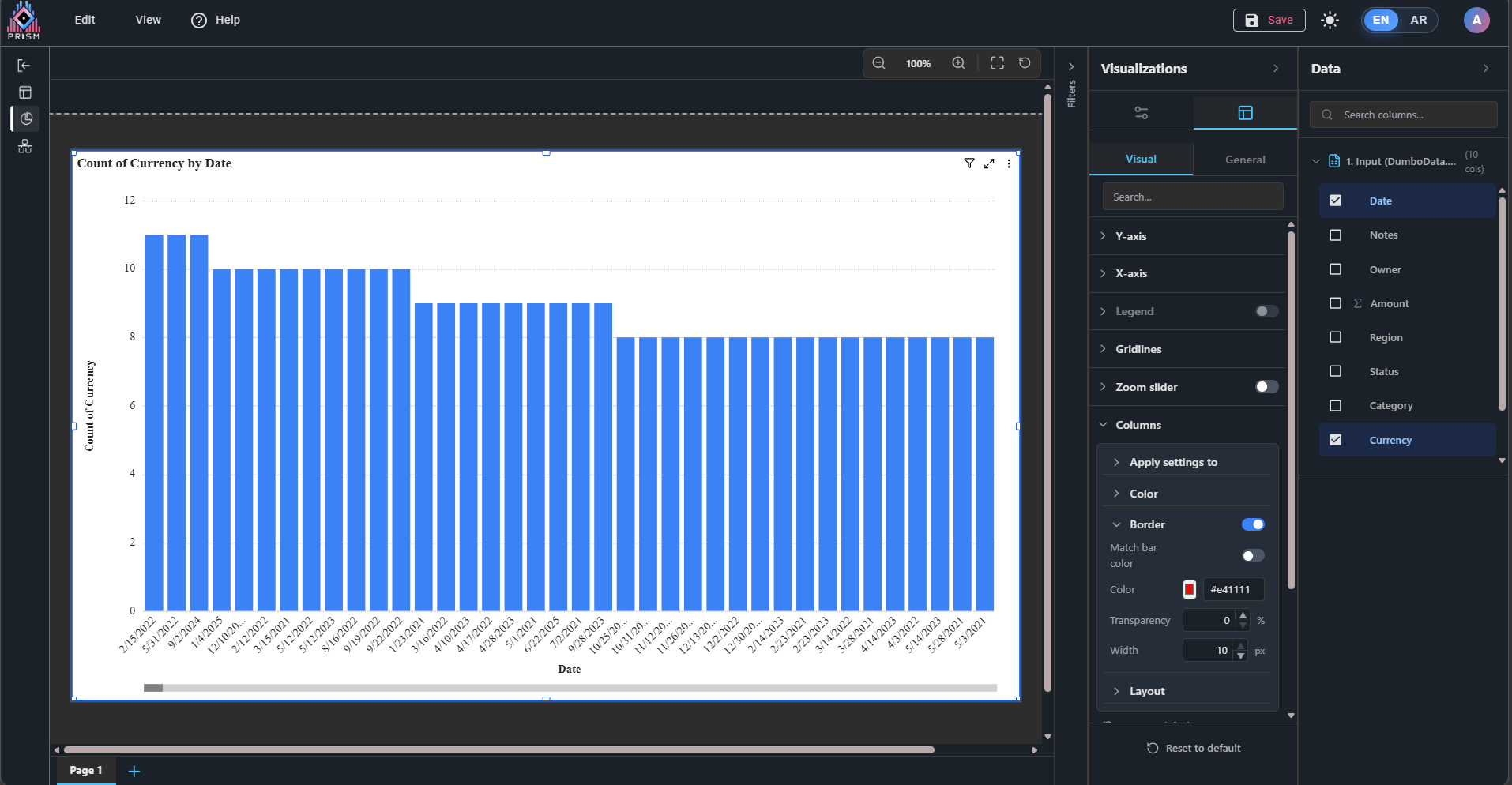
1. Border Color Not Applying in "Apply Settings To"
Previously, when users selected a specific category from the “Apply settings to” dropdown, changing the border color had no effect.
Fix implemented:
- Category-specific border color settings now apply correctly.
- Individual category styling behaves consistently with other formatting options such as fill color, border width, and transparency.
This fix applies to:
- Clustered Column
- Clustered Bar
- Horizontal Bar
- Stacked Column
- Stacked Bar
- Percent Stacked Charts
- Line & Column Combo Charts
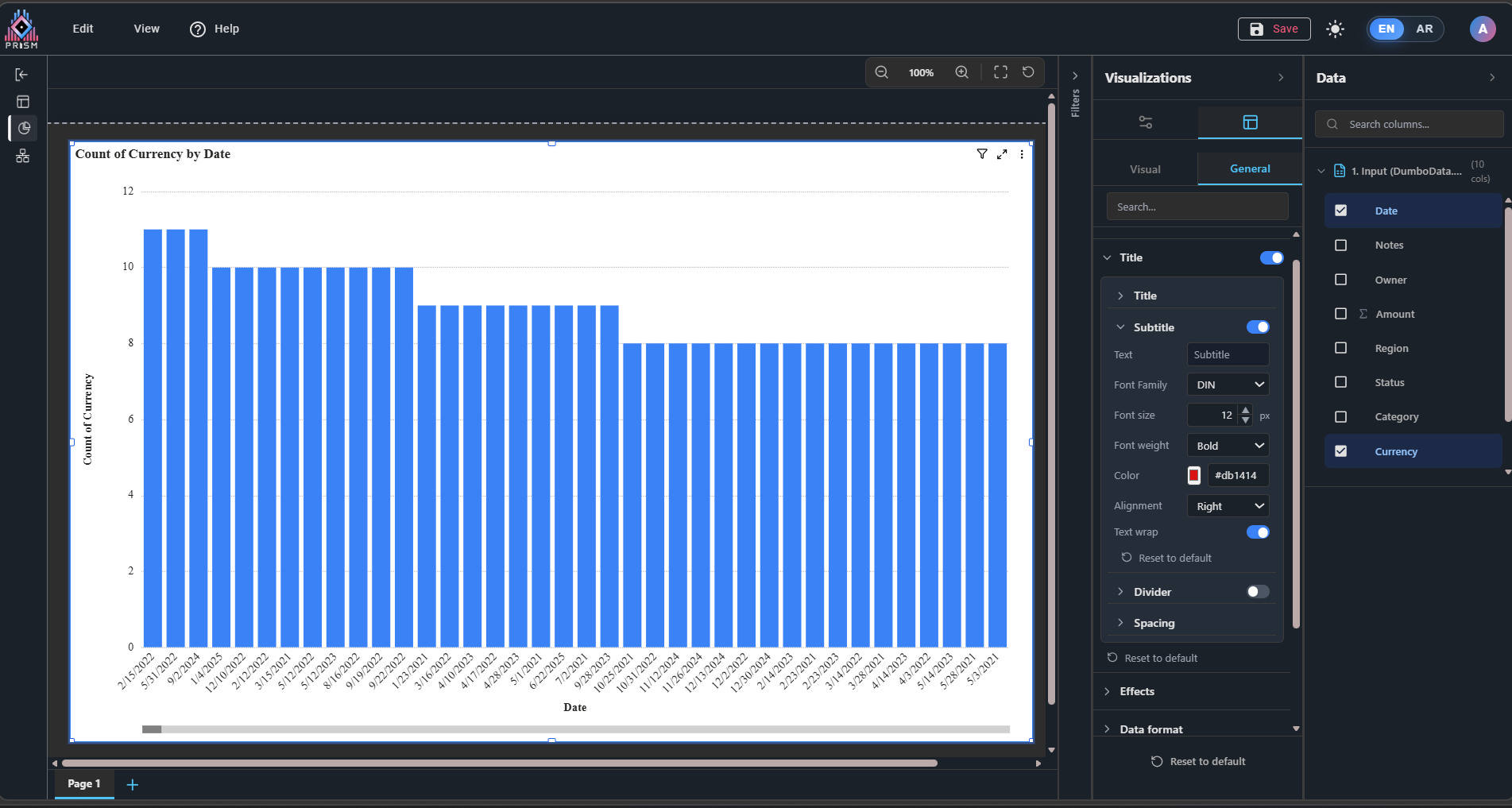
2. Subtitle Option in Title Settings
Resolved an issue where the Subtitle property in chart Title settings was not being applied correctly.
Fix implemented:
- Subtitle settings now apply properly to charts.
- Behavior now aligns with Power BI-style formatting expectations.
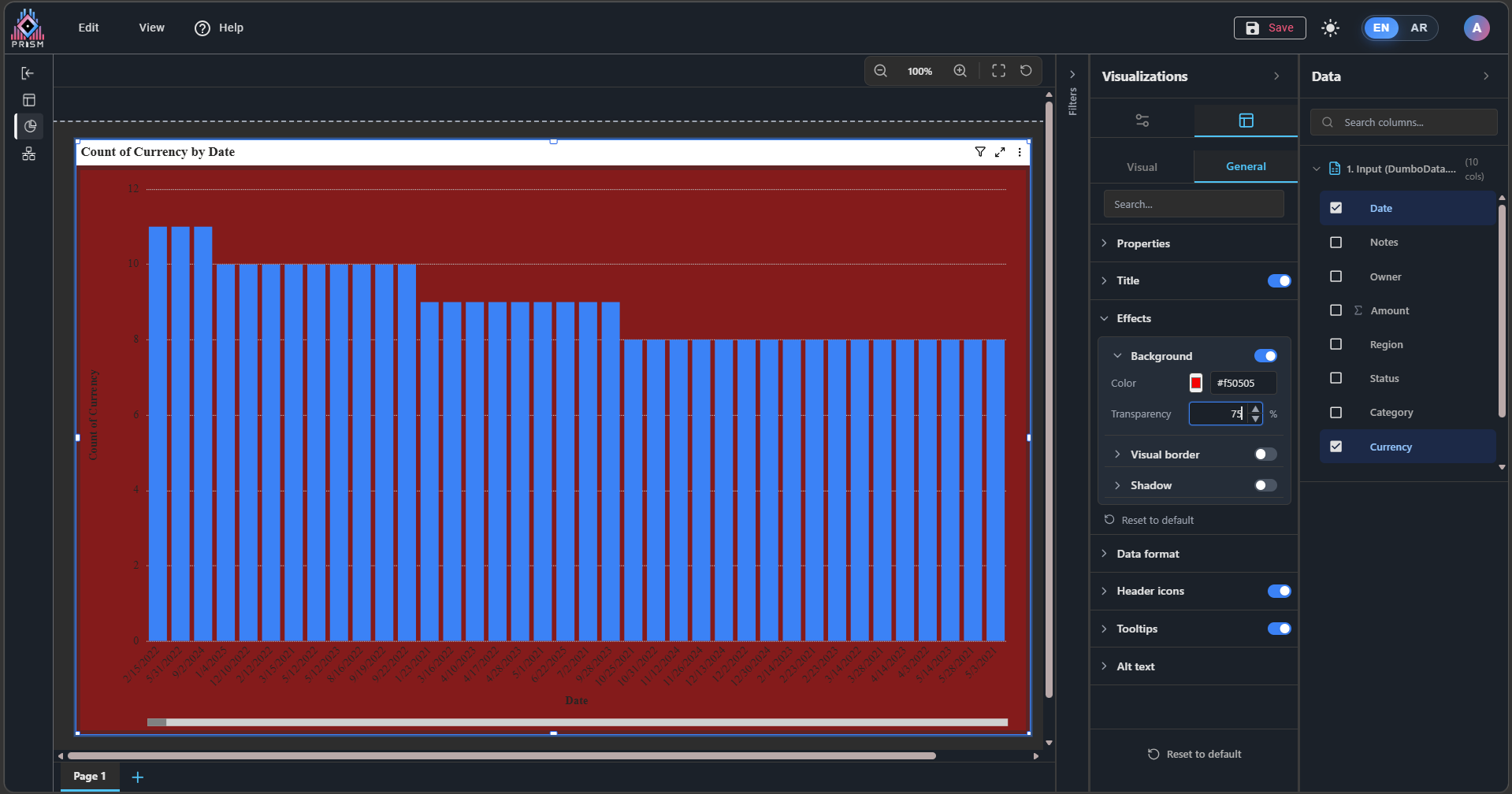
3. Background Transparency Issue (Dark Theme)
Fixed a dark theme issue where adjusting chart background transparency did not produce the expected result.
Problem:
Instead of becoming transparent, the background appeared darker due to incorrect color blending logic and a hardcoded dark background.
Fix implemented:
- Background transparency now works correctly in both Light and Dark themes.
- Removed hardcoded background styling from the chart container.
- Setting transparency to 100% now makes the background fully transparent, allowing the canvas background to show through.
Attachment : https://somup.com/cOe66pVcnAq


 Updated by
  Updated by